How to Deploy a Static Site on Cloudflare Workers
Learn how to deploy static files on Cloudflare Workers, map a custom domain, configure Wrangler, avoid 404s, and launch without server hosting.

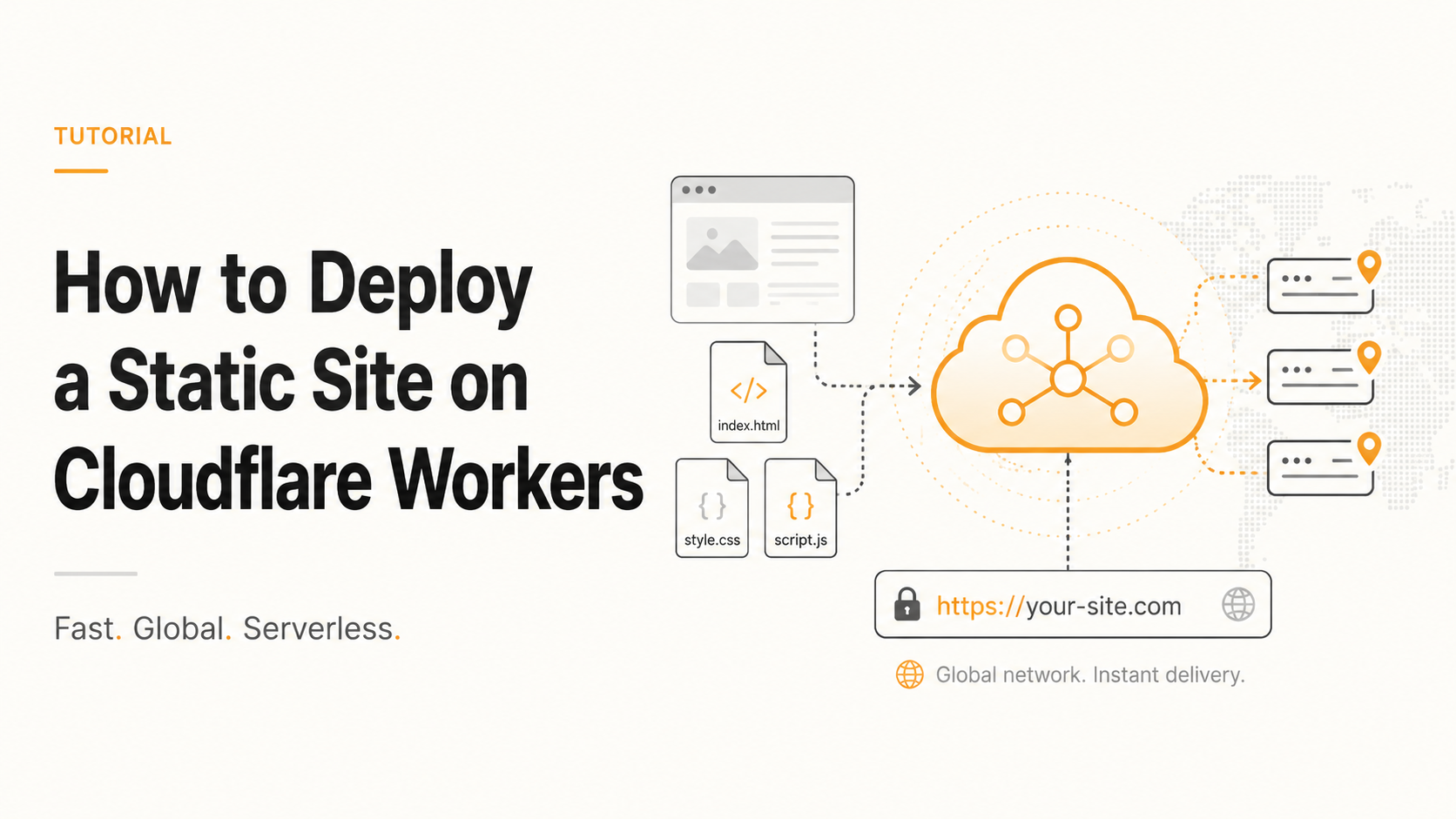
wranglerIf you have a static HTML, CSS, and JavaScript site and you want it live on your own domain without buying hosting, Cloudflare Workers Static Assets is one of the fastest ways to deploy it. This article explains how to deploy static files on Cloudflare Workers, map a custom domain, and avoid the common routing and caching mistakes that break production sites.
The short answer: put your static files in a public or dist folder, configure Wrangler with an assets directory, run npx wrangler deploy, then attach your custom domain from Cloudflare Workers & Pages. Cloudflare now recommends Workers Static Assets for static sites, single-page applications, and full-stack apps, because assets and Worker logic can deploy together as one unit across Cloudflare’s network. (Cloudflare Docs)
What’s Actually Happening Here
A static site does not need a traditional web server. If your site is only HTML, CSS, JavaScript, images, fonts, and other static assets, Cloudflare can serve those files directly from its edge network instead of from a VPS, cPanel account, or Apache/Nginx server.
That is why Cloudflare Workers Static Assets is useful. It lets you deploy static files and optional Worker logic together. Cloudflare describes this as a single deployment unit that combines static file hosting, custom logic, and global caching across Cloudflare’s network. (Cloudflare Docs)
The main confusion is that Cloudflare has more than one product that can host static sites. Cloudflare Pages is still commonly used for static sites, especially with Git-based deployments and direct uploads. Cloudflare Workers Static Assets is now the stronger option for new projects when you want static hosting plus future flexibility for redirects, headers, authentication, APIs, middleware, or edge logic.
Here is the practical difference. Cloudflare Pages is excellent when you want a simple Git-connected static site deployment. Workers Static Assets is better when you want static hosting with programmable control. If you are building a business site, landing page, HTML template, documentation site, SPA, or small frontend app and you may later need routing logic, security headers, redirects, or lightweight API behaviour, use Workers Static Assets.
Cloudflare Workers also has real limits you should know before deploying. The Workers Free plan has a daily request limit of 100,000 requests, and each Worker isolate can consume up to 128 MB of memory. Workers Static Assets also has file-count limits per Worker version: 20,000 static asset files on Free and 100,000 on Paid. (Cloudflare Docs)
For most small business websites and static landing pages, those limits are more than enough. For a large documentation site, image-heavy archive, generated blog, or multi-language static site, you should check your asset count before deploying.
The Solution — The Hitori Static Worker Deployment
The cleanest way to deploy a static site on Cloudflare Workers is to use Wrangler, Cloudflare’s command-line tool, and configure your static asset directory in wrangler.jsonc or wrangler.toml.
This approach works well for plain HTML/CSS/JS projects, Vite static builds, Astro static builds, simple React exports, and hand-coded landing pages. It also gives you a proper deployment workflow instead of manually uploading ZIP files every time something changes.
Step 1: Prepare your static files.
Your project should have a folder that contains the final website files. For a plain HTML site, that might be:
my-site/
  public/
    index.html
    about.html
    contact.html
    assets/
      style.css
      main.js
      hero.webp
For a Vite or frontend build, it might be:
my-site/
  dist/
    index.html
    assets/
      index.css
      index.js
The important rule is simple: the folder you deploy must contain the actual files Cloudflare should serve. Do not point Wrangler at your source folder if your built files live somewhere else.
Step 2: Install Wrangler.
From your project root, run:
npm install --save-dev wrangler
You can also use Wrangler without installing it permanently:
npx wrangler --version
Step 3: Create a Wrangler config file.
For a plain static site using a public folder, create wrangler.jsonc:
{
  "name": "hitori-static-site",
  "compatibility_date": "2026-05-18",
  "assets": {
    "directory": "./public"
  }
}
For a built frontend app using a dist folder, use:
{
  "name": "hitori-static-site",
  "compatibility_date": "2026-05-18",
  "assets": {
    "directory": "./dist"
  }
}
The name becomes the Worker project name. Keep it lowercase and simple. The compatibility_date tells Cloudflare which runtime behaviour your Worker should use. The assets.directory value tells Cloudflare where your static files are.
Cloudflare’s Wrangler configuration supports Static Assets directly, and custom domains can also be configured through Worker routing and deployment settings. (Cloudflare Docs)
Step 4: Deploy the site.
Run:
npx wrangler deploy
Wrangler will authenticate with Cloudflare if you are not already logged in. Once deployed, you will get a workers.dev preview URL.
For example:
https://hitori-static-site.your-account.workers.dev
Open that URL and check the site before mapping your real domain.
Step 5: Add a custom domain.
In Cloudflare, go to Workers & Pages, open your Worker, then go to Settings and Custom Domains. Add the domain or subdomain you want, such as:
example.com
www.example.com
landing.example.com
Cloudflare’s Custom Domains feature lets a Worker run on a domain or subdomain without manually handling certificates or DNS record complexity when the zone is already managed by Cloudflare. (Cloudflare Docs)
If your domain is already on Cloudflare DNS, this is usually very smooth. If your DNS is outside Cloudflare, you may need to add the required DNS record manually or move DNS management to Cloudflare.
Step 6: Add redirect logic if needed.
Most static sites need one canonical domain. You may want all traffic to go to www.example.com, or you may prefer the root domain example.com.
If you need custom redirect behaviour, add a small Worker script. Your project could look like this:
my-site/
  public/
    index.html
    contact.html
    assets/
  src/
    index.js
  wrangler.jsonc
Then configure:
{
  "name": "hitori-static-site",
  "main": "src/index.js",
  "compatibility_date": "2026-05-18",
  "assets": {
    "directory": "./public"
  }
}
A simple redirect Worker could be:
export default {
  async fetch(request, env) {
    const url = new URL(request.url);

    if (url.hostname === "www.example.com") {
      url.hostname = "example.com";
      return Response.redirect(url.toString(), 301);
    }

    return env.ASSETS.fetch(request);
  }
};
That gives you both static file hosting and edge-level redirect control in one deploy.
Step 7: Add headers for security and caching.
Static websites still need security headers. You can add them through Worker logic if you want control:
export default {
  async fetch(request, env) {
    const response = await env.ASSETS.fetch(request);
    const newResponse = new Response(response.body, response);

    newResponse.headers.set("X-Content-Type-Options", "nosniff");
    newResponse.headers.set("X-Frame-Options", "SAMEORIGIN");
    newResponse.headers.set("Referrer-Policy", "strict-origin-when-cross-origin");
    newResponse.headers.set(
      "Permissions-Policy",
      "camera=(), microphone=(), geolocation=()"
    );

    return newResponse;
  }
};
For a normal marketing site, this is enough to improve baseline security without making the deployment complicated.
Cloudflare Workers Static Assets vs Pages vs VPS
Cloudflare Workers Static Assets is best when you want static hosting with future edge logic. Cloudflare Pages is still convenient for Git-based frontend deployments. A VPS gives you maximum control, but you also own updates, uptime, web server configuration, SSL, backups, and security.
| Approach | Best for | Complexity | Domain mapping | Server maintenance | Notes |
|---|---|---|---|---|---|
| Workers Static Assets | Static sites with optional edge logic | Medium-low | Strong if DNS is on Cloudflare | None | Best future-proof option for static sites plus redirects, headers, APIs, or middleware |
| Cloudflare Pages | Simple Git-connected static sites | Low | Very simple | None | Good for static blogs, docs, and frontend sites |
| VPS with Nginx or Apache | Full server control | Medium-high | Manual DNS and SSL setup | Required | Useful when you need server-side apps, custom services, or databases |
| cPanel shared hosting | Traditional small websites | Low-medium | Usually simple | Provider-managed | Easy, but slower and less flexible for modern deployments |
Cloudflare Pages has plan-based limits for builds, concurrent builds, and custom domains. As of Cloudflare’s current Pages limits documentation, Free plans have 1 concurrent build, Pro has 5, and Business has 20. (Cloudflare Docs)
The important decision is not “Pages or Workers?” in isolation. The real question is whether you need just static hosting or static hosting with programmable control. If you only need Git deploys, Pages is fine. If you want redirects, headers, authentication, routing, A/B tests, APIs, or future Cloudflare services, Workers Static Assets is the better foundation.
For teams already using Cloudflare for DNS, SSL, WAF, and caching, this setup also fits naturally beside other Cloudflare work. We have written about related Cloudflare infrastructure issues before, including Cloudflare SSL with Magento 2 and Varnish and hosting Ghost on a subpath using Cloudflare.
Common Mistakes and How to Avoid Them
The most common mistake is deploying the wrong folder. If your build command outputs files to dist, but your Wrangler config points to public, Cloudflare will deploy the wrong site or an incomplete site. Always check where your final index.html exists before deploying.
The second mistake is forgetting SPA routing. If you deploy a React, Vue, or Vite single-page app, direct visits to /dashboard or /pricing may return 404 if fallback behaviour is not configured correctly. Cloudflare Static Assets supports configuration for what should happen when a request does not match a static asset, including not-found handling. (Cloudflare Docs)
The third mistake is mapping only one domain. If your users visit both example.com and www.example.com, add both domains and decide which one should be canonical. Do not allow two versions of the same page to sit live forever without a redirect. It creates SEO duplication and messy analytics.
The fourth mistake is assuming static assets never touch Workers limits. Requests can either return static assets or invoke Worker code depending on whether the request matches an asset. If your Worker is invoked for routes unnecessarily, you can burn through request limits faster than expected. Cloudflare notes that if free-tier request limits are exceeded, requests can receive a 429 response instead of falling back to static asset serving. (Cloudflare Docs)
The fifth mistake is putting API tokens directly into package.json or committing them to GitHub. Use environment variables, GitHub Actions secrets, Cloudflare dashboard integrations, or a local ignored deploy script. A leaked Cloudflare token can allow someone to modify your deployments.
Real-World Example
A typical Hitori Tech static deployment looks like this: a client has a hand-coded landing page with HTML, CSS, JavaScript, images, a contact form embed, and no backend. The old hosting is slow, the SSL renewal is messy, and the client wants the site live on a custom domain quickly.
We build the final site into a public folder, add a wrangler.jsonc file, deploy with npx wrangler deploy, then map the custom domain in Cloudflare. The first deployment usually takes less than 10 minutes once the domain is already in Cloudflare. After that, updates are a single command.
A simple project can use this structure:
property-equity-site/
  public/
    index.html
    contact.html
    thank-you.html
    assets/
      css/
        style.css
      js/
        main.js
      images/
        hero.webp
  wrangler.jsonc
  package.json
The deployment config:
{
  "name": "property-equity-site",
  "compatibility_date": "2026-05-18",
  "assets": {
    "directory": "./public"
  }
}
The deploy command:
npx wrangler deploy
For a more complete workflow, add scripts to package.json:
{
  "scripts": {
    "deploy": "wrangler deploy",
    "preview": "wrangler dev"
  },
  "devDependencies": {
    "wrangler": "^4.0.0"
  }
}
Then deploy with:
npm run deploy
For a static marketing site, this removes the need for Apache, Nginx, cPanel, manual SSL, server patching, or VPS monitoring. If the project later needs API routes, form handling, redirects, bot protection, or custom headers, Workers gives you a path forward without migrating the whole site.
If you need a more complex production deployment with backend services, databases, Docker, or CI/CD, a VPS or cloud server may still be the better choice. We covered that type of setup in our guide on how to deploy a full-stack app on AWS EC2. For static sites, Workers is usually faster and cleaner.
Frequently Asked Questions
What is the easiest way to deploy a static site on Cloudflare Workers?
The easiest way is to place your final HTML, CSS, JavaScript, and image files in a folder like public or dist, add a wrangler.jsonc file with an assets.directory value, and run npx wrangler deploy. After deployment, add your custom domain in the Cloudflare Workers dashboard.
How do I map a domain to a Cloudflare Worker?
You map a domain by opening the Worker in Cloudflare, going to Settings, then Custom Domains, and adding the root domain or subdomain you want. If your DNS is already managed by Cloudflare, Cloudflare handles the routing and certificate process from the dashboard. (Cloudflare Docs)
Should I use Cloudflare Pages or Workers for a static website?
Use Cloudflare Workers Static Assets if you want static hosting plus programmable routing, redirects, headers, authentication, or future edge logic. Use Cloudflare Pages if you want the simplest Git-based static hosting workflow and do not need much custom Worker logic.
Can I deploy plain HTML, CSS, and JavaScript to Cloudflare Workers?
Yes. Plain HTML, CSS, and JavaScript files work well with Cloudflare Workers Static Assets. You do not need React, Next.js, Vite, or any framework. Your project can be as simple as index.html, style.css, main.js, and a Wrangler config file.
Why does my Cloudflare Worker static site show 404 on refresh?
A 404 on refresh usually happens with single-page apps when direct routes like /dashboard or /pricing do not match a real static file. You need fallback handling so unmatched routes serve your app’s index.html instead of returning a not-found response.
Deploying static files on Cloudflare Workers is a good default for small business websites, landing pages, frontend apps, and static marketing sites that need speed without server maintenance. If you want help moving a static site, fixing Cloudflare routing, or setting up a clean deployment workflow, Hitori Tech can help through our DevOps and digital agency services or you can contact us here.